
We’ve launched a new ecommerce site where you can place your future orders. This site allows you to quickly and easily search for products, transact, and review your past orders going forward.
1: Go to https://teksetra.com/my-account/
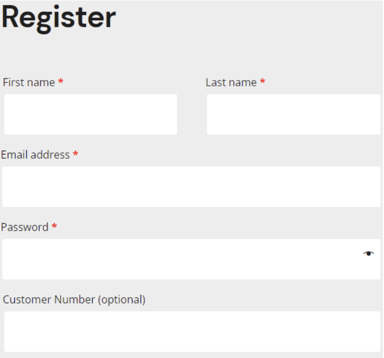
2: Register by filling out the form (as pictured below) with your name and email. You will create your own password*.
*Please note: Your password must be 12 characters and contain at least one uppercase and one lowercase letter, one number, and a special character (! " ? $ % ^ & )*
**(If you receive a 6 digit code from your solutions provider, you may enter it into the "customer number" box).
3. Tax Exempt?
Estimated tax will always appear in cart. However, you can notify Teksetra of your tax exempt status by checking the "my business is tax exempt" box at checkout or by updating your billing address in your account:
-1.png?width=285&name=Untitled%20design%20(2)-1.png)
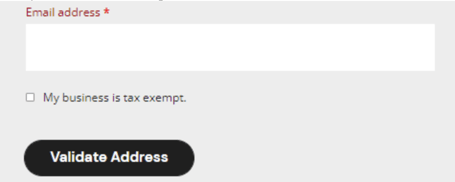
You can upload your tax exempt certificate as an attachment with your order. When your order is invoiced it will be updated with appropriate taxation. If, for any reason, you have any issues uploading your tax exempt certificate at checkout, please feel free to forward to customerservice@teksetra.com and we will update your account appropriately.
4. From your dashboard, you will be able to place orders and edit your account as needed!
.png?width=679&name=Ecomm%20Ex%20(1).png)
5. The default payment option is to pay by credit card.
If you prefer to pay offline as you have previously, please complete information using the Offline Payment Setup Form after registering for an account.
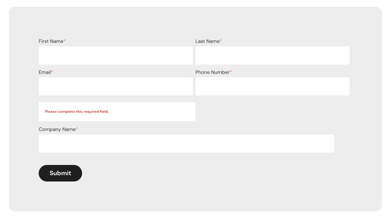
**You will receive a confirmation email once offline payment has been enabled for your account. You’ll then be able to complete your order and be invoiced offline as you have previously.